Program Updates
All Program Updates
New Feature
Amigo POS 8 v8.17.31
2/20/2019
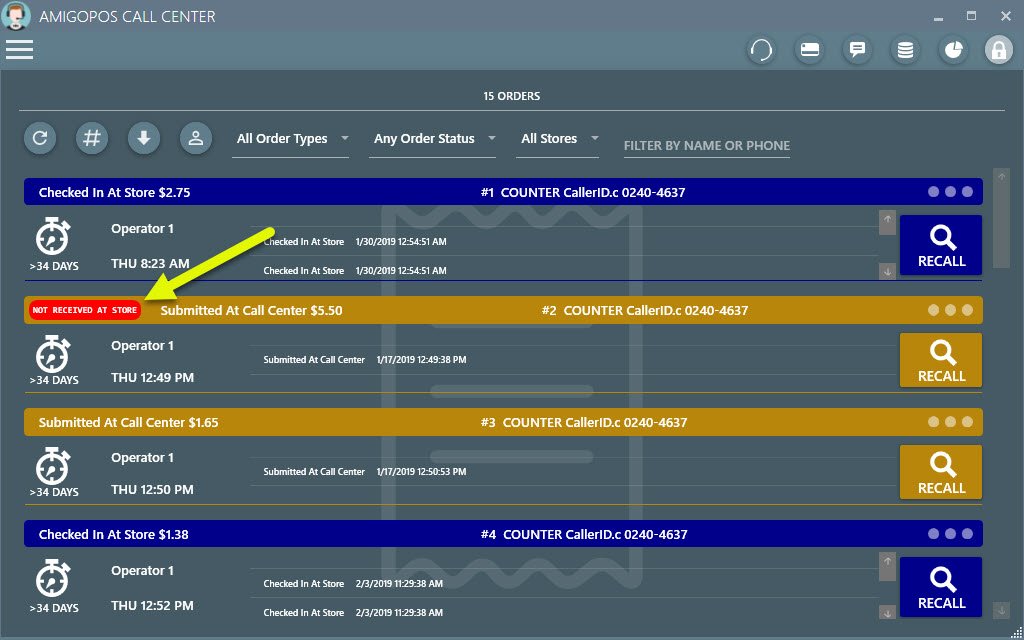
Call center orders list displays order non-receive alert if the store does not receive the order
New Feature
Amigo POS 8 v8.17.31
2/20/2019
Call center orders now print the call center operator name at the bottom of the customer receipt
New Feature
Amigo POS 8 v8.17.5
2/18/2019
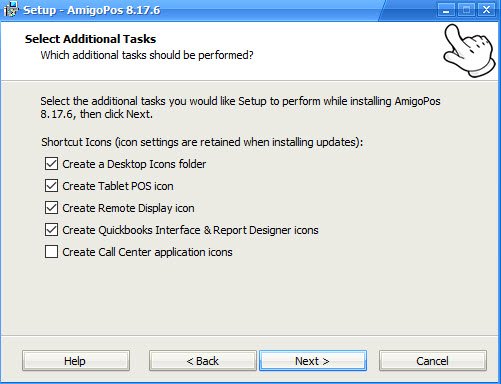
The installer now lists individual shortcut icons to include in the Windows Start program group and desktop shortcuts folder. The shortcut settings are saved and reused when installing updates.
New Feature
Amigo POS 8 v8.17.5
2/18/2019
The Quickbooks interface now requires the data service application to transfer sales, inventory and timesheet data
New Feature
Amigo POS 8 v8.17.5
2/18/2019
Removed stand-alone tablet server application, which is now included in the data service application
New Feature
Amigo POS 8 v8.17.5
2/18/2019
Removed stand-alone online ordering (cloud service) client, which is now included in the data service application
New Feature
Amigo POS 8 v8.17.5
2/18/2019
Beta testing for the data service application is now complete and the data service is now installed by default for version 8.17 and newer. Users of version 8.16 and older should refer to the help topic before installing the version 8.17 update
New Feature
Amigo POS 8 v8.17.5
2/18/2019
Added the option to use SQL Server LocalDB on 64-bit computers
New Feature
Amigo POS 8 v8.17.5
2/18/2019
SQL Server no longer requires TCP/IP protocol, Named Pipes protocol or mixed mode authentication, eliminating the requirement for a username/password
New Feature
Amigo POS 8 v8.17.5
2/18/2019
Pos stations, tablets, remote display computers and back office computers no longer use a direct database connection
New Feature
Amigo POS 8 v8.17.5
2/18/2019
Removed stand-alone sql backup and restore utility, which is now included in the data service application
New Feature
Amigo POS 8 v8.17.5
2/18/2019
Removed stand-alone pos call center client utility, which is now included in the data service application
New Feature
Amigo POS 8 v8.17.5
2/18/2019
SQL Server no longer requires adding a firewall exception for port 1433
New Feature
Amigo POS 8 v8.17.5
2/18/2019
Removed pos shortcut from Windows startup folder and added the option to set automatic startup on manager screen under System/Windows Startup
New Feature
Amigo POS 8 v8.17.5
2/18/2019
SQL Server 2014 is now installed when installing the database server on Windows 10 32-bit, Windows 8.1 and Windows 7
New Feature
Amigo POS 8 v8.17.5
2/18/2019
Windows help file download is now signed to prevent browser warning
New Feature
Amigo POS 8 v8.17.5
2/18/2019
SQL Server 2017 is now installed when installing the database server on Windows 10 64-bit
New Feature
Amigo POS 8 v8.17.5
2/18/2019
Removed tablet pos shortcut from Windows startup folder and added the option to set automatic startup on order entry screen under Info/Tablet Settings/Other Settings
New Feature
Amigo POS 8 v8.17.5
2/18/2019
Prep tickets are now printed by data service application and prep printers are installed only at the main pos station
New Feature
Amigo POS 8 vCloud Services
2/08/2019
New Feature
Amigo POS 8 v8.14.1865
11/25/2018
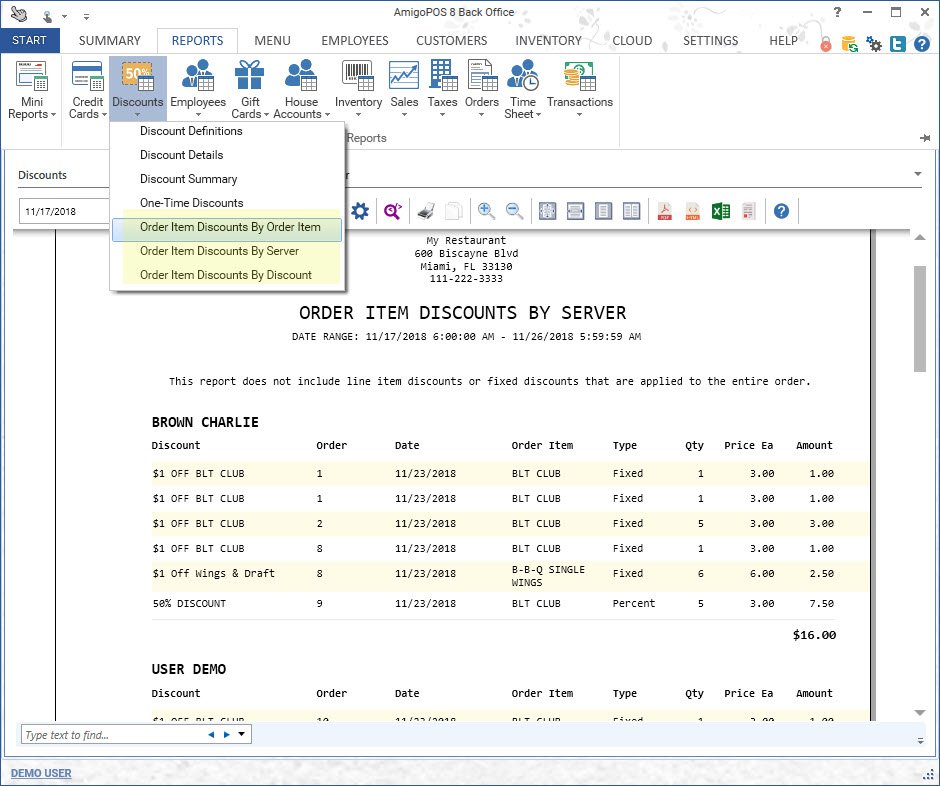
Added 3 additional full size discount reports for order item discounts grouped by order item name, server and discount name